
myt everywhere
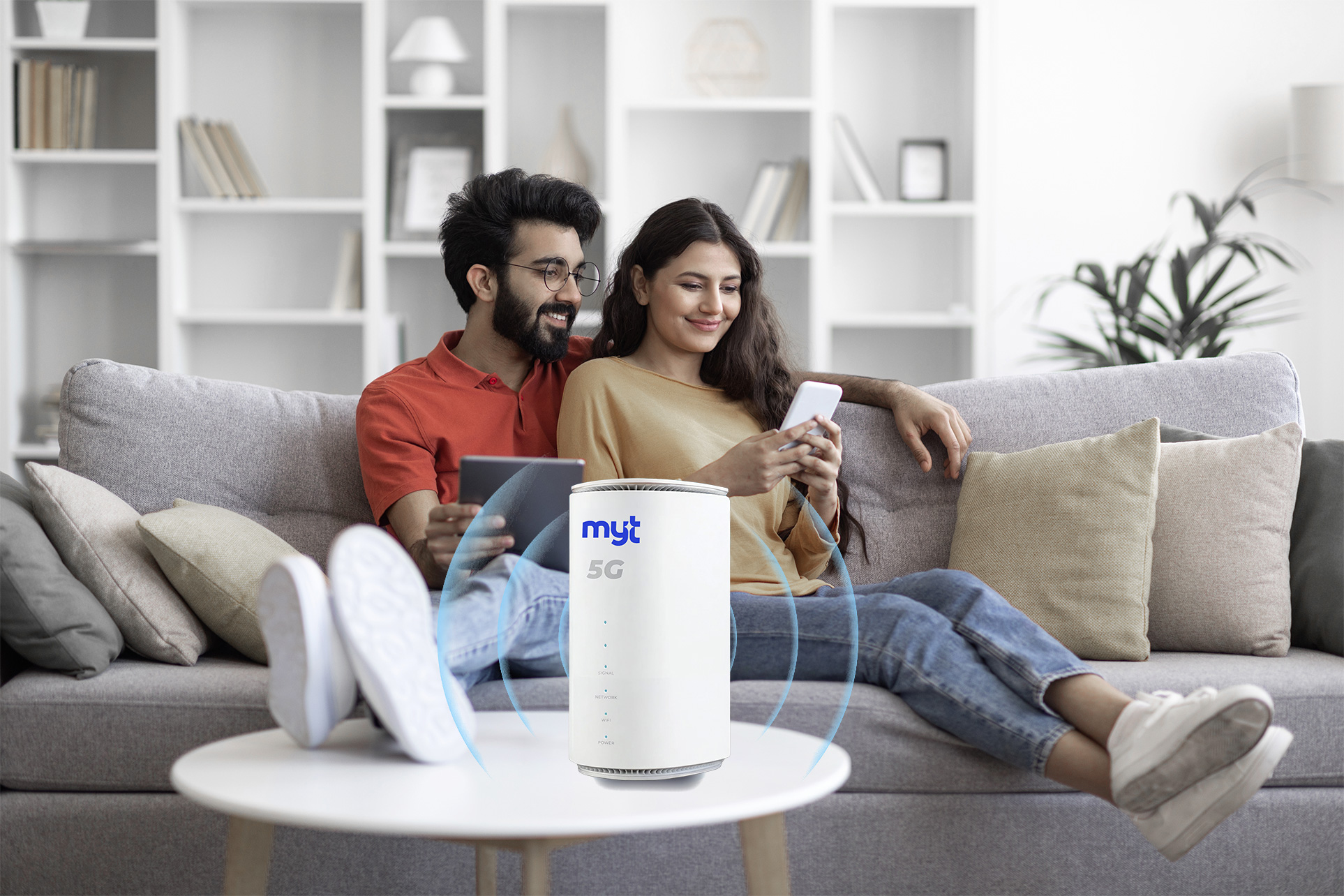
A 5G Internet option that can give your household an additional way to get online.
See myt everywhere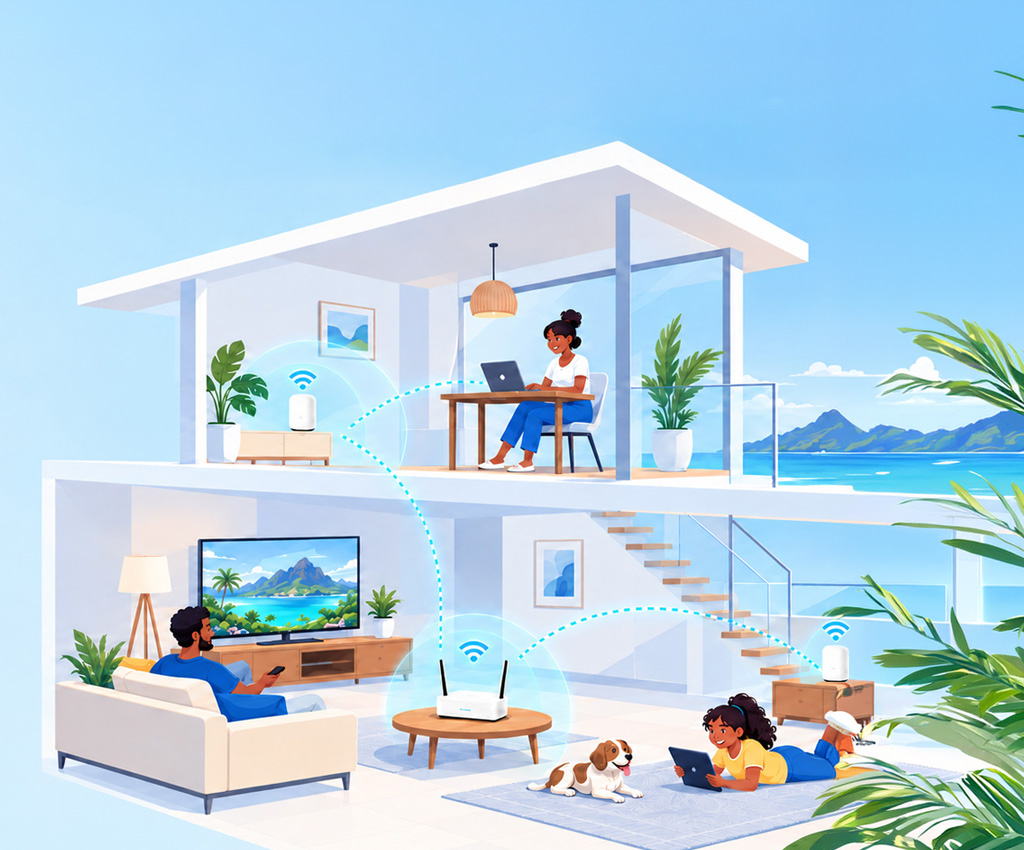
Your speed, your Wi-Fi and your coverage all change how the internet feels at home.
How fast your line is for streaming, calls and gaming.
How well it copes with all the devices you use at once.
Whether the signal reaches every room you use.
Based on your answers, here are the areas to focus on first.
These aren't part of the core check. They're useful extras if staying connected during a fibre or power interruption matters to your household.
A 5G Internet option that can give your household an additional way to get online.
See myt everywhere
Not necessarily. Upgrading your internet plan brings more speed into your house, but a weak signal in the bedroom or kitchen is usually about how well that Wi-Fi travels through your walls. To get a strong signal in every corner, adding Smart Wi-Fi or Fibre To The Room is the best solution.
Wi-Fi Mesh improves coverage and consistency around your home. It does not increase the speed of your fibre plan itself; it helps more of that connection reach the places where you use it.
Just like smartphones, Wi-Fi technology gets better over time. A newer Wi-Fi box can easily handle all your modern devices at once—like smart TVs, phones, and laptops—giving your whole family a smoother connection without lagging or freezing.
To complete your upgrade smoothly online, simply have the following ready:
Your National Identity Card (NID)
A recent MT bill (to verify your current account details)
For most existing customers, the speed boost and new TV packs are activated almost instantaneously or within a few hours after your request is processed. Sit back and relax; we will notify you by SMS once your line is updated!
No, there are absolutely no administrative fees to process your upgrade. You simply transition to the monthly rental of your newly selected Home Internet & TV package