Special WFH Offer
Work From Home Readiness Check
Is your internet ready for productive remote work? Take our 5-step readiness check and discover how to optimise your home connectivity.
Special offer for existing customers
Upgrade from 50 Mbps to 100 Mbps for only Rs 100 more per month
WFH is great for Mauritius!
By working from home, you contribute to reducing fuel consumption and carbon emissions
across Mauritius — especially in the context of global energy challenges.
Mauritius Telecom is proud to support this national effort.
Mauritius Telecom is proud to support this national effort.
1
Internet Speed
2
Wi-Fi Box
3
Wi-Fi Coverage
4
myt everywhere
5
Power Backup
6
Finish
Step 1 of 5
Fibre Home Internet Speed
Let's start by checking your current connection.
What is your current myt Fibre Home Internet speed?
50
Mbps
100
Mbps
200
Mbps
⚠️ Limitations of 50Mbps
A 50Mbps connection may limit video calls and file transfers.
⚠️ Limitations of 100Mbps
100Mbps works well for most households, but performance may slow down with multiple users, heavy streaming or large file uploads.
⚠️ Limitations of 200Mbps
200Mbps delivers strong performance, but very high-demand usage—such as multiple 4K streams, smart homes, and intensive uploads—may still require higher speeds.
✅ Our Recommendation
Double your speed and upgrade to 100Mbps to enjoy a faster, seamless experience. Available for only Rs 100 extra per month.
⚡ Upgrade to 100 Mbps
✅ Our Recommendation
Upgrade to 200Mbps for enhanced speed and stability as from only Rs 300 extra per month. It is the ideal choice for busy households, heavy streaming, and a seamless work-from-home experience.
⚡ Upgrade to 200 Mbps
✅ Our Recommendation
Upgrade to 300Mbps and enjoy powerful, high-speed connectivity and strong performance for multiple 4K streams, smart homes and intensive uploads. Available as from only Rs 300 extra per month.
⚡ Upgrade to 300 Mbps
Step 2 of 5
Wi-Fi Box (ONT)
Your Wi-Fi box determines the actual speed and coverage you experience at home.
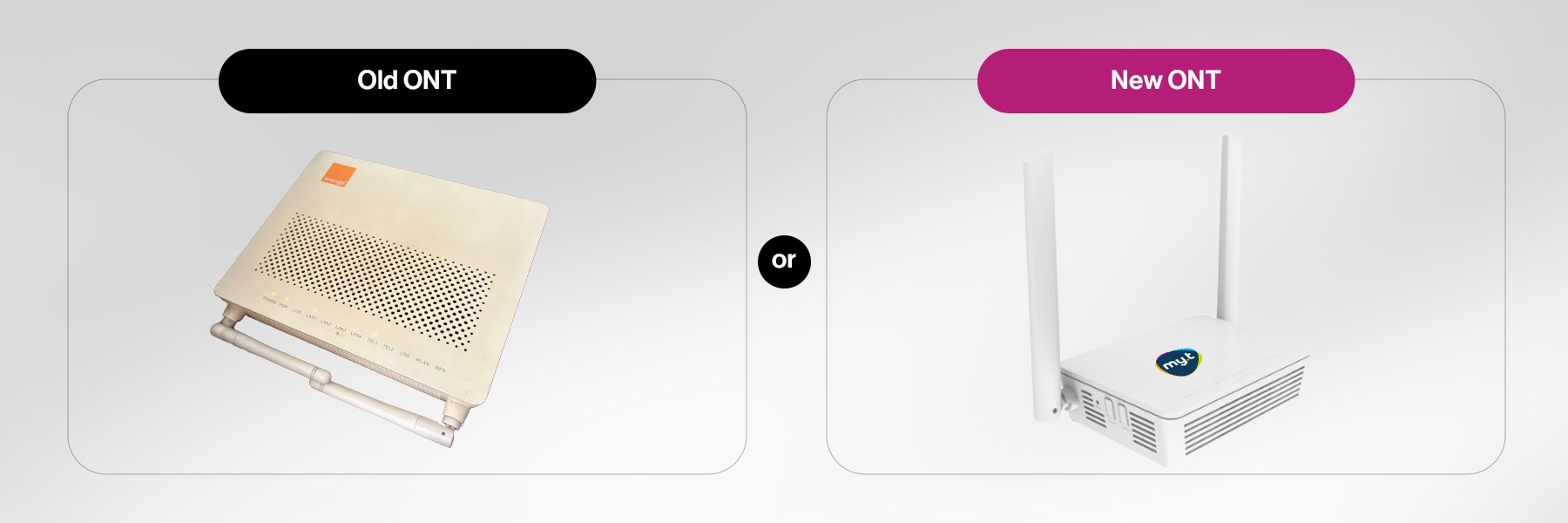
Which Wi-Fi Box (ONT) do you currently have at home?
⚠️ Your Box Is Holding You Back
If you have 50Mbps, you will experience slower speeds in distant rooms, interference, and dropped video calls. The good news? When you upgrade to 100Mbps with our WFH Special offer, you get the brand-new myt Wi-Fi 7 ONT.
✅ You have a modern Wi-Fi box
Your ONT is ready to handle high-speed WFH demands.
ℹ️ How to check your ONT model
Look at the sticker on the bottom of your Wi-Fi box or call myt on 8902. If your box has only 2 antennas and looks like the left image above, it's likely an older Wi-Fi 4 unit.
Step 3 of 5
Wi-Fi Coverage
Dead zones at home? A strong Wi-Fi signal in every room is essential for productive WFH.
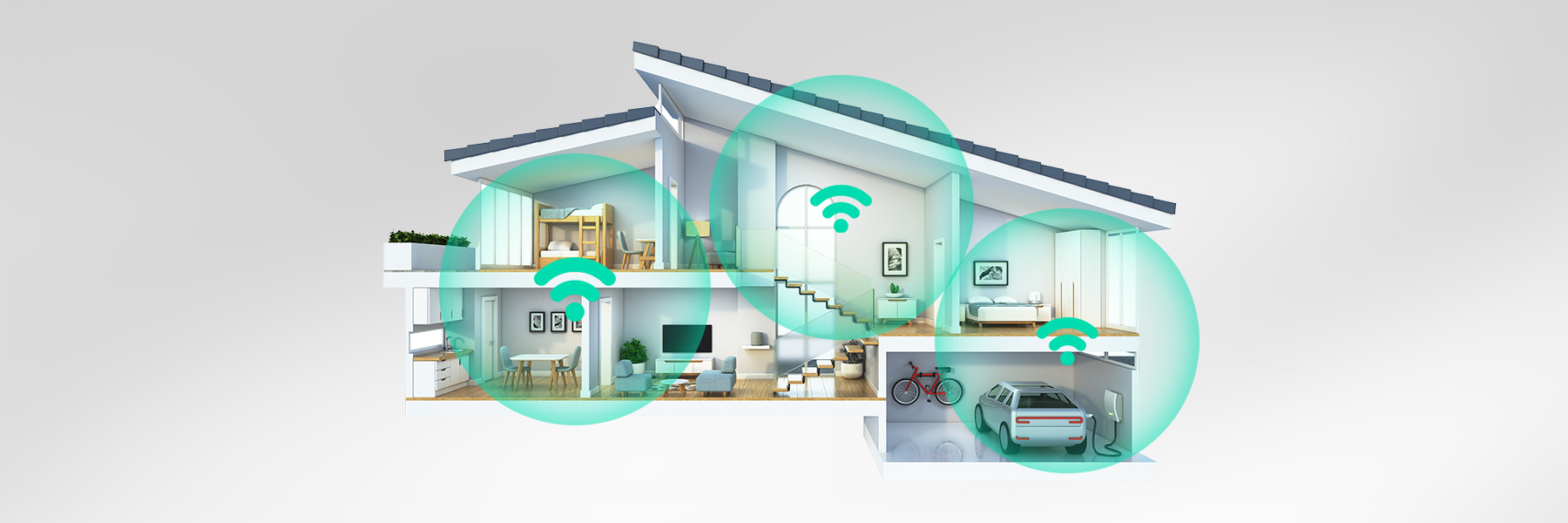
How is your Wi-Fi coverage at home?
⚠️ Wi-Fi Dead Zones Can Ruin Your WFH Experience
Working in a room with poor Wi-Fi leads to dropped video calls, slow file syncs, and frustration. The solution is myt Smart Wi-Fi — a set of intelligent nodes that blanket your entire home with seamless, fast Wi-Fi. No more dead zones, no manual switching between networks.
ℹ️ Improve your coverage for peace of mind
Even occasional weak spots can cause issues during important work calls. myt Smart Wi-Fi guarantees consistent, high-speed coverage in every room — including your home office.
✅ Excellent Wi-Fi coverage!
You're well set up for WFH. If you ever expand to a bigger home or need coverage for a garden office, myt Smart Wi-Fi Mesh has you covered.
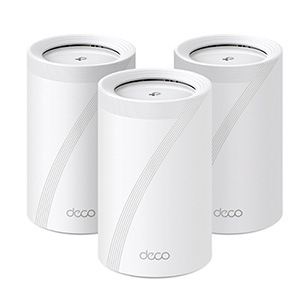
TP Link Deco BE65
Rs 2,300 /month for 24 months

TP Link Deco X60 (3-pack)
Rs 1,200 /month for 24 months

TP Link Deco X20 (3-pack)
Rs 650 /month for 24 months
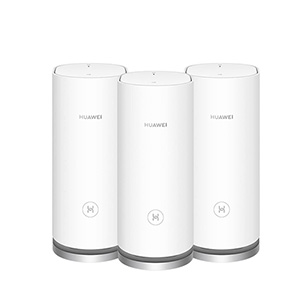
Huawei Mesh AX3000
Rs 600 /month for 24 months
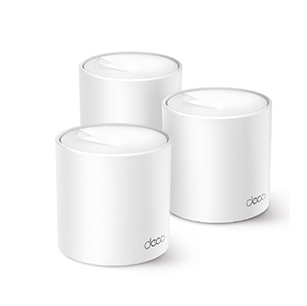
TP Link Deco X10 (3-pack)
Rs 525 /month for 24 months
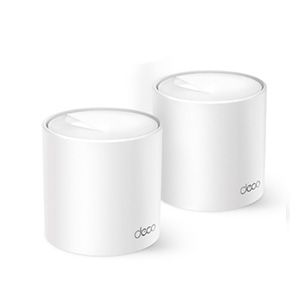
TP Link Deco X10 (2-pack)
Rs 375 /month for 24 months
Step 4 of 5
myt everywhere (5G Backup)
For mission-critical work, a backup internet connection ensures you're never offline.

Are your WFH activities critical e.g online meetings, remote access to work systems or handling client calls?
🔒 Protect Your Productivity With a Backup Connection
When your work is critical, a single point of failure (your fibre line) is a risk. Enjoy fast, reliable internet with myt everywhere. Simply plug in the device, connect, and start browsing instantly no installation needed. Experience seamless 5G connectivity wherever you are.
⚠️ To get your myt everywhere, please visit your nearest Telecom Shop with your NID card.
⚠️ To get your myt everywhere, please visit your nearest Telecom Shop with your NID card.
✅ You're Good With Your Current Setup
Since your WFH activities are flexible, a backup connection may not be essential. If your needs change, myt everywhere is available at your nearest Telecom Shop.
Step 5 of 5
Power Backup
Protect your internet connection from power outages with dedicated backup solutions.

Do you face frequent electrical power cuts? Are you worried about load shedding affecting your Home Internet?
🔋 Keep Your Home Internet On During Power Cuts!
Your fibre ONT and myt everywhere device both need electricity to work. During a power cut, you lose internet connection even if the fibre cable is intact. The myt Special Power Bank with our specially designed cables keeps your ONT (and optional 5G device) powered for hours — so you stay connected and productive.
💡 Be Prepared Before Load Shedding Starts
Load shedding can be unpredictable. The myt Special Power Bank is a smart investment to ensure your home office stays connected even during planned or emergency power outages. It's plug-and-play with special cables designed for your ONT.
✅ Great — No Immediate Power Concern
You're fortunate to have a stable power supply. However, the myt Special Power Bank is still a handy backup to have in case of unexpected outages.
Finish
Your WFH Readiness Report
You’re a few upgrades away from a seamless experience
We use cookies to improve your experience. By continuing, you agree to our cookie policy.